Interactive Installation · Unity · Kinect · 2018

Under the Ocean

A collaborative interactive exhibition where visitors use their hands to pop colorful bubbles and clear the ocean — powered by a Kinect sensor, Unity, and projection.

Unity Game Engine
Kinect Hand Tracking
2018 ISU Exhibition
Dive in
01 — The Project

A hands-on ocean, without getting wet

Under the Ocean is an interactive game and exhibition piece that invites visitors to reach into a projected underwater world and pop colorful bubbles with their hands — clearing the scene one gesture at a time. No controllers, no touchscreens. Just motion.

The installation was part of a collaborative exhibition at Illinois State University in 2018. I designed the underwater background illustration, built the particle effects for the bubbles, and wrote the Kinect integration code that turns visitor movement into gameplay. The result is a playful, embodied experience that bridges illustration, interaction design, and real-time coding.
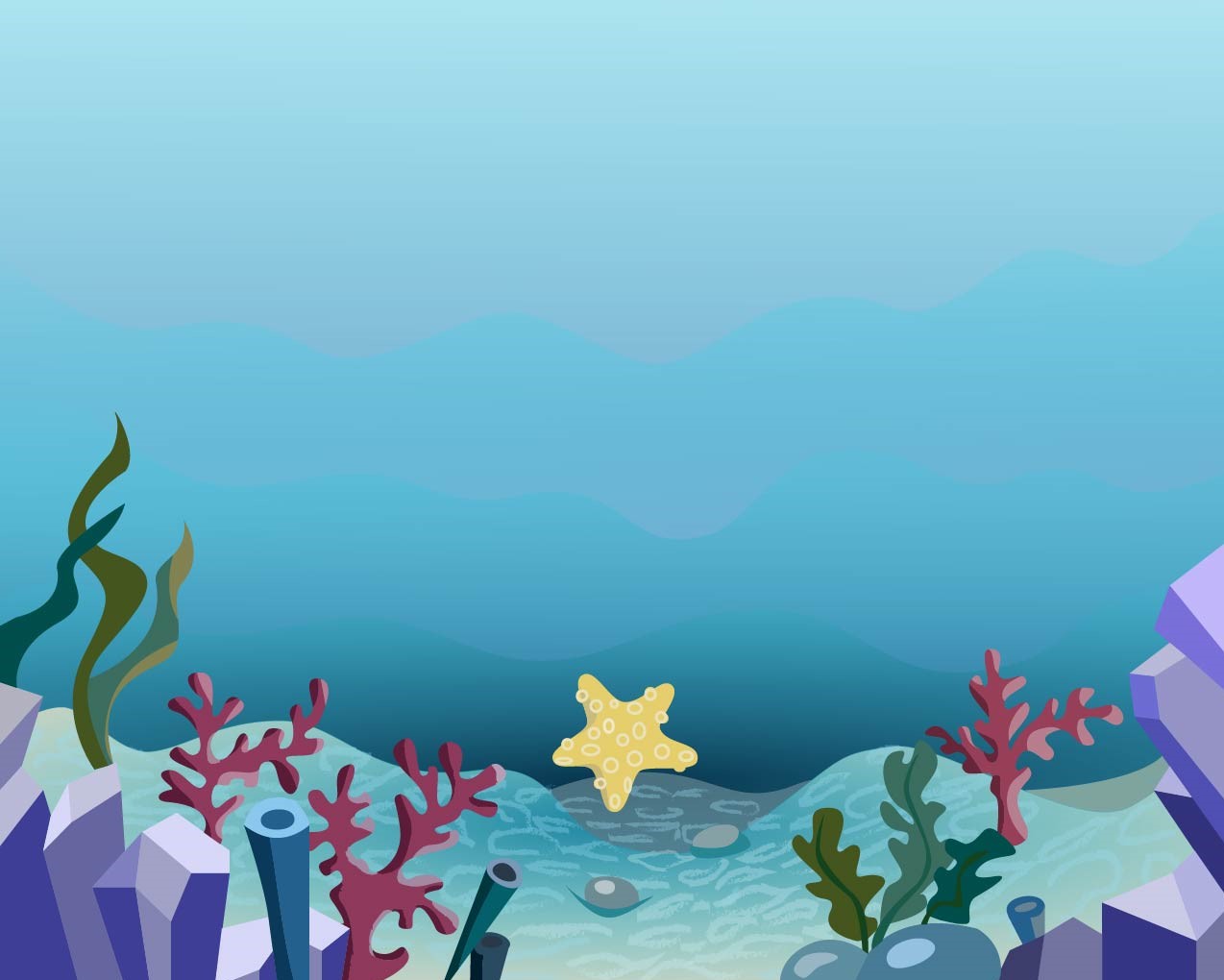
Under the Ocean — final illustrated background with coral, seaweed, and a starfish

02 — The Experience

See it in motion

Video documentation from the exhibition — visitors interacting with the projected ocean, bubbles reacting to hand movement in real time.


03 — Design Process

From pencil to pixel

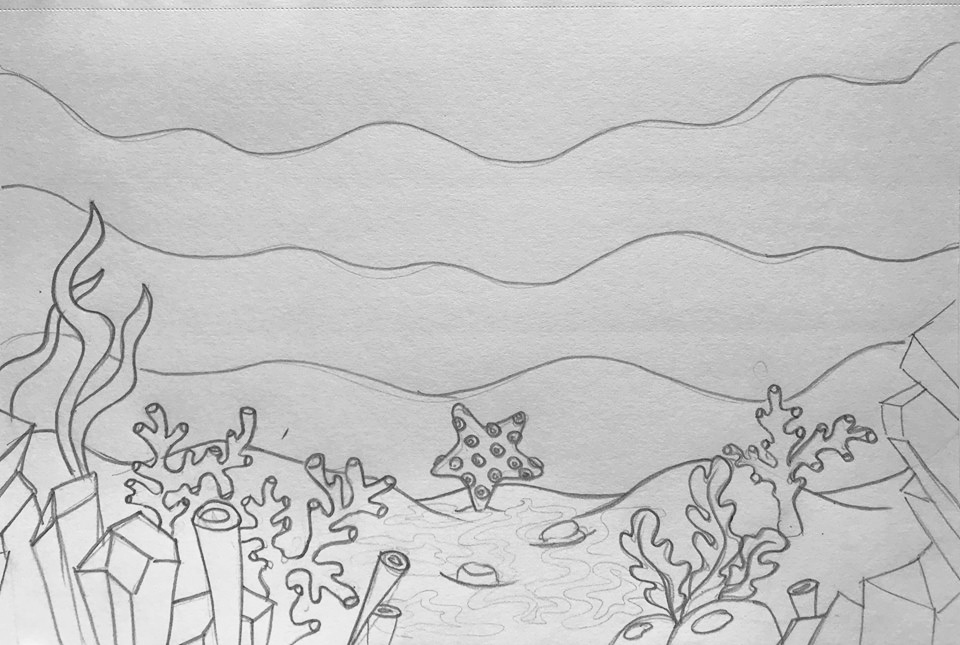
The background was sketched first by hand to work out composition — the rhythm of wave lines, the placement of coral and seaweed, the focal starfish — then rebuilt as a layered vector illustration for the final projection.

Before Initial pencil sketch of the ocean scene

Initial Sketch

A hand-drawn pencil study establishing the composition: layered wave lines, a sandy ocean floor, coral and seaweed along the edges, and a starfish anchoring the center.

After Final digital illustration of the ocean scene

Final Illustration

The vector rebuild — cool blue gradients suggest depth, coral reds and a yellow starfish add warmth, and every element is drawn as a separate layer so particles can animate cleanly on top.


04 — How It Works

The technical stack

Three components work together to create the experience — a motion sensor reads visitor gestures, a game engine renders the world and handles physics, and a projector displays the result at exhibition scale.

Kinect Sensor

A Kinect depth camera tracks visitors' hands in 3D space, converting their gestures into input coordinates for the game.

Unity Engine

Unity renders the illustrated scene, runs the bubble particle system, and handles collision between the tracked hands and the floating bubbles.

Projector

A projector displays the game at exhibition scale on a wall or surface, making the experience shared and spatial rather than screen-bound.


05 — My Role

Contributions

As part of the collaborative team, I focused on the visual and interactive systems that shape how visitors experience the piece.

Background Design Hand sketch through final vector illustration of the ocean scene.
Particle Effects Designed and built the colorful bubble particles that populate the scene.
Kinect Integration Wrote the code that connects the Kinect sensor data to the Unity game logic.
Interaction Logic Built the hand-to-bubble collision detection that makes gestures feel responsive.

06 — Project Details

Scope & craft

Type Interactive installation & exhibition
Venue Illinois State University, 2018
Context Collaborative exhibition
Software Unity, C#
Hardware Kinect camera/sensor, projector
Illustration Hand sketch, vector illustration
Interaction Gesture-based, hands-free
Role Visual designer, developer

Explore More Work

See the full portfolio or discover other interactive projects.

All Projects View Blending Lines